Skin weights,
in layers.
Laminus adds a non-destructive layer stack to Unreal's Skeletal Mesh Editor. Paint each region on its own layer, fade it with a mask, mirror it across the rig, and write it to the mesh only when it's right.
Fix the shoulder without breaking the hip.
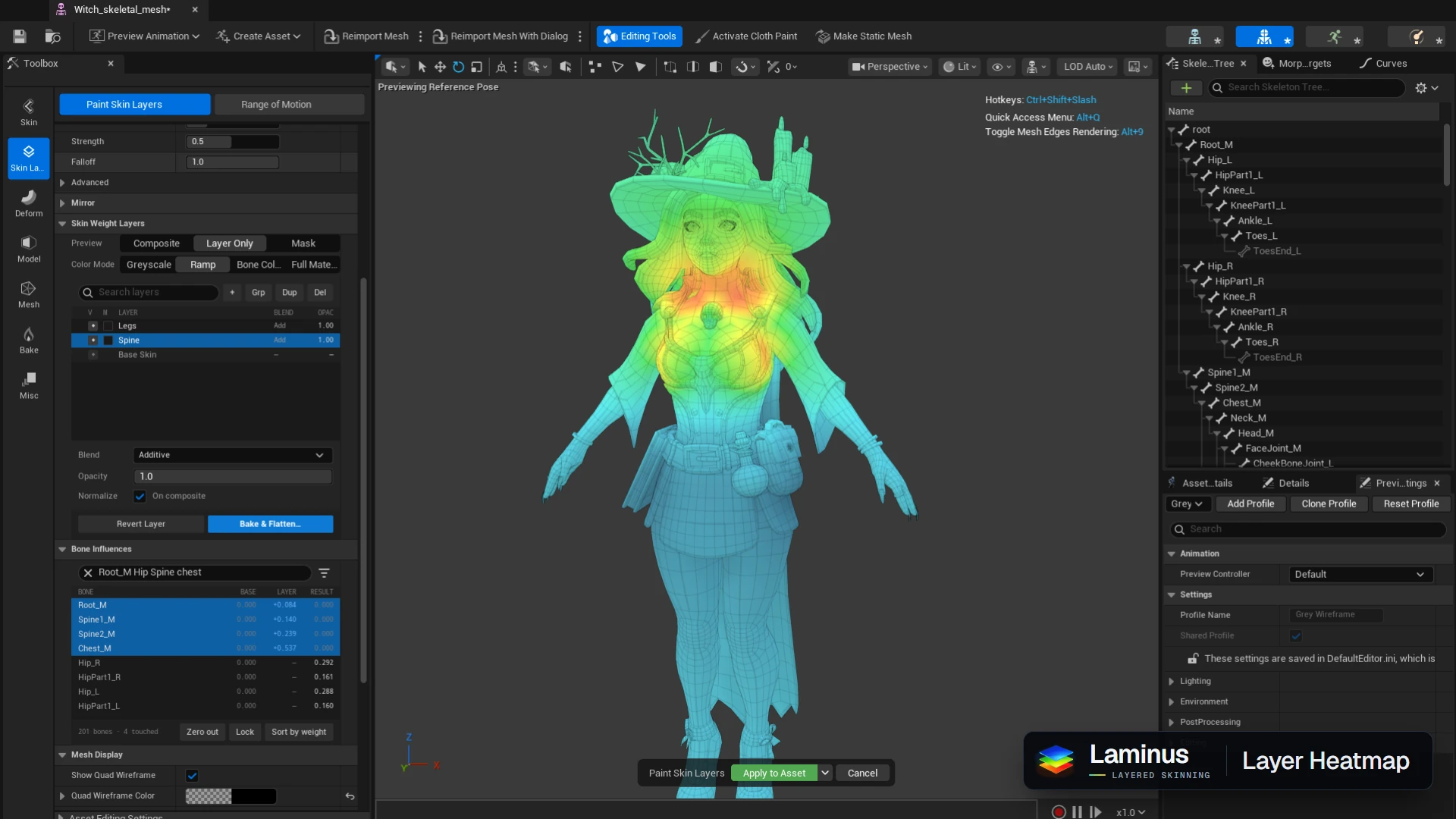
On a single weight map, every fix is a trade with the region next to it. Laminus keeps each region's work separate, so a correction stays a correction.
Each region keeps its own layer
A layer holds only the influence you painted on it. Rework the spine layer and the legs layer is exactly as you left it.
Masks decide where a layer counts
Paint a mask, or generate one from a bone selection with the native bind algorithms, to fade a layer in and out instead of erasing weights you may want back.
The mesh stays clean until Bake
Layers live in their own asset beside the mesh. Bake & Flatten writes the result, prunes to your influence budget, and can keep a snapshot of what was there before.
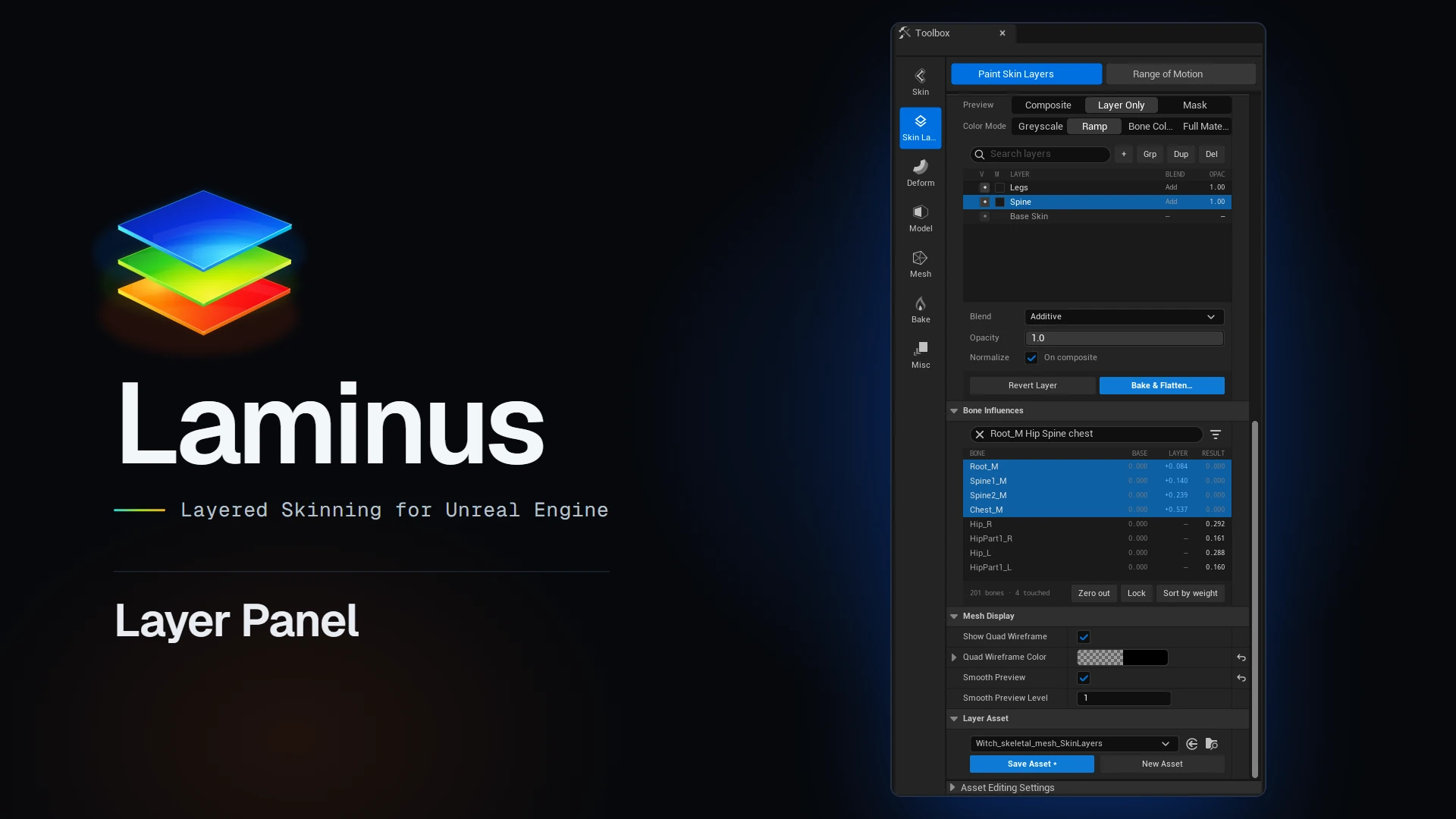
The stack, the layer and the result, side by side.
- Preview
- Switch the viewport between the whole composite, the selected layer alone, or its mask.
- Colour modes
- Greyscale, Ramp, Bone Colors and Full Material, named and ordered like the engine's own weight paint tool.
- Bone Influences
- Base, layer and result for every bone, synced with the Skeleton Tree selection.
Brushes you already know, with mirroring built in.
- Seven operators
- Add, Replace, Multiply, Relax, Erase, Unify and Sharpen, on weights or on masks.
- Flood Connected
- Fill a whole connected piece of the mesh in one click.
- Mirror
- With mirroring on, strokes land on both sides and drive the opposite bone.
l/randleft/rightpair automatically. - Hands on the brush
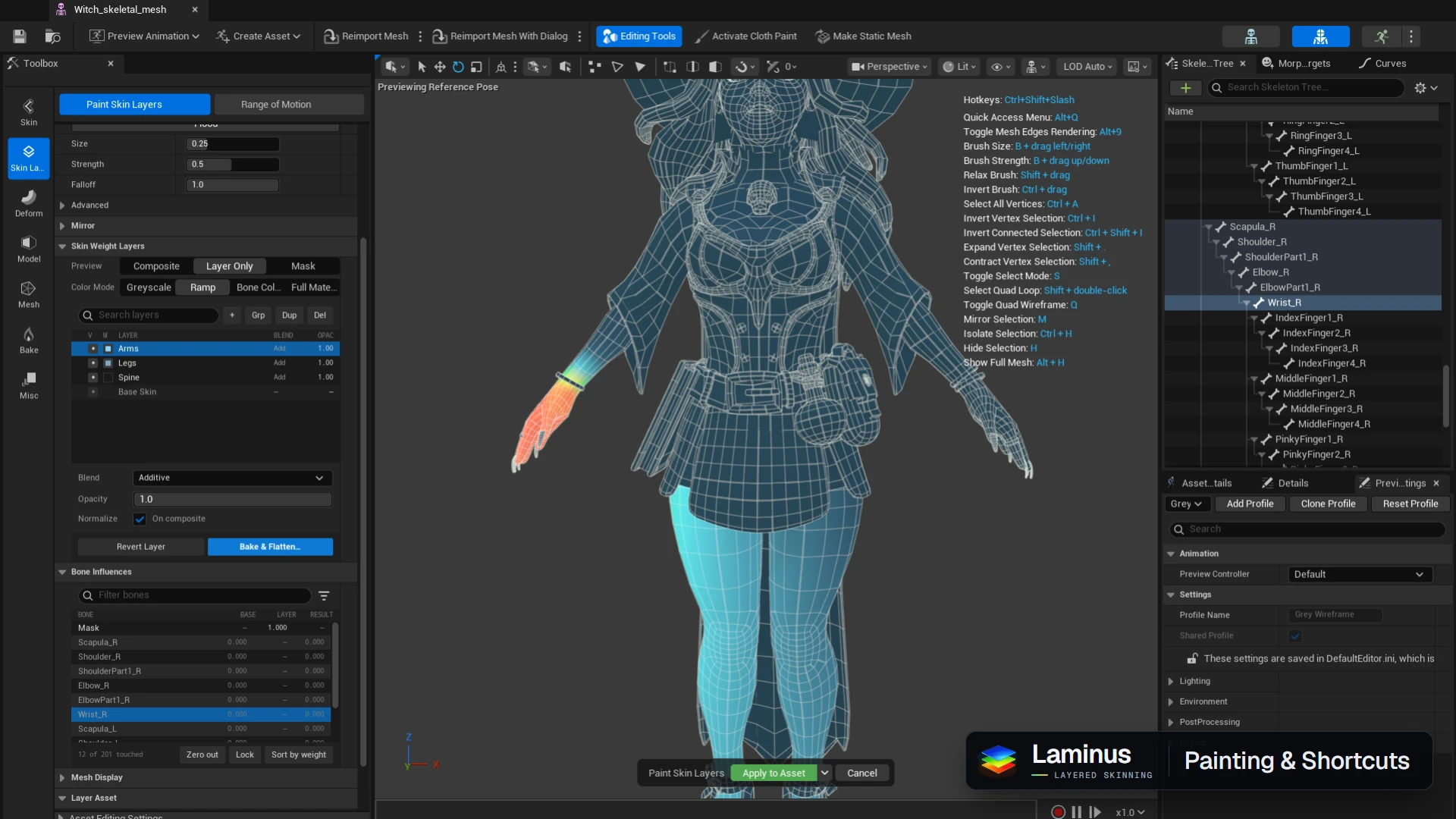
- B + drag sizes it, Shift relaxes, Ctrl inverts.